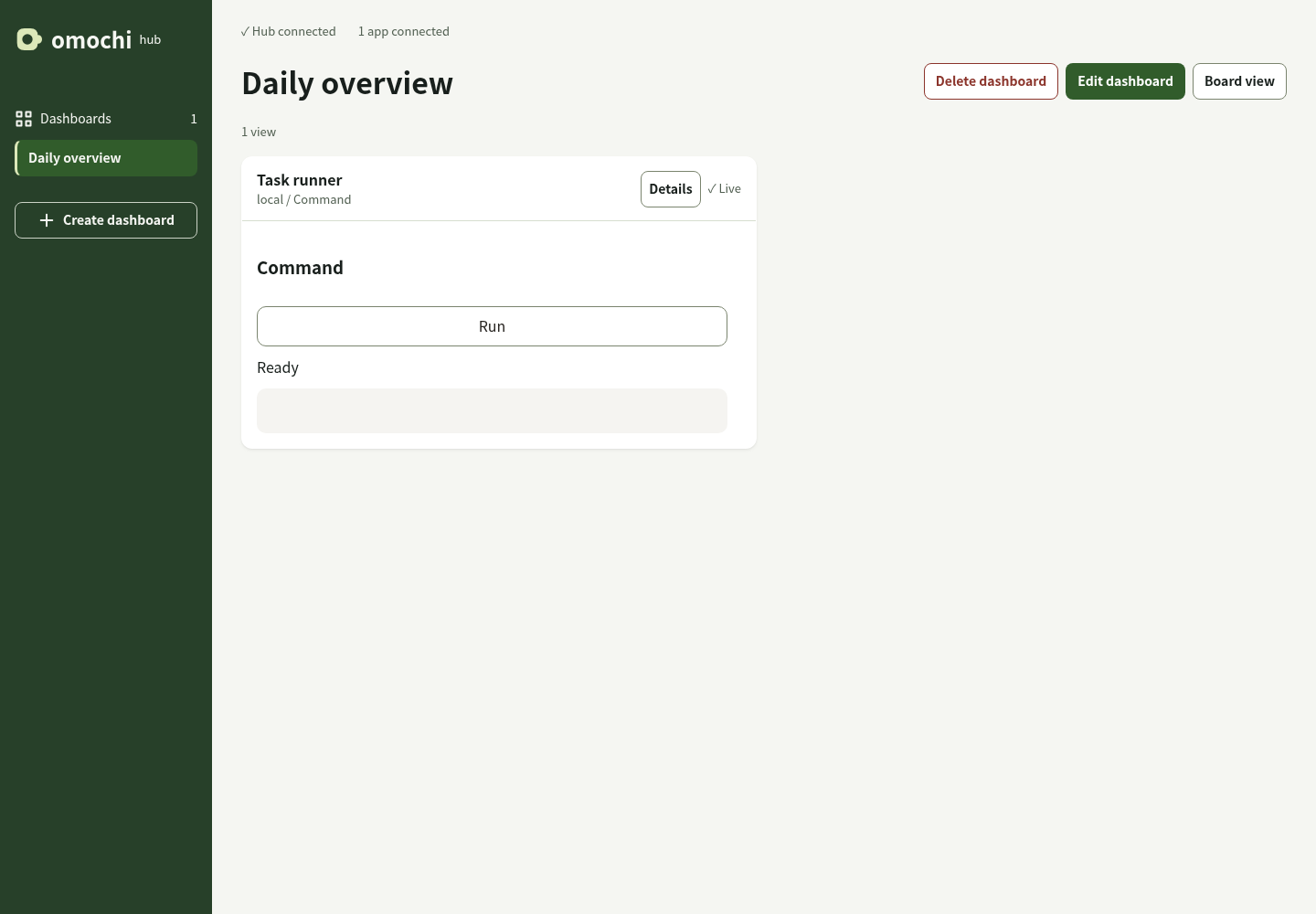
Declare a view
A view is called a Surface in the SDK. Describe text, inputs, and controls in Python, TypeScript, or Rust.
 omochi
Turn the code you already have into a tool you can see, touch, and share. State and actions stay in your language. Omochi brings them to the browser.
import asyncio
from omochi_ui import App

app = App({"count": 0})

@app.action("increment")
async def increment(input, ctx):
    await ctx.update(lambda s: s.update(count=s["count"] + 1))

@app.surface("main")
def main(ui, state):
    ui.text(f'Count: {state["count"]}')
    ui.button("Add one", increment.call({}))

asyncio.run(app.start())Run Python code with a button.
Define a view where your application already lives. The shared renderer takes care of showing it.
A view is called a Surface in the SDK. Describe text, inputs, and controls in Python, TypeScript, or Rust.
Use your existing functions. Publish state updates, including progress during a long task.
Omochi sends A2UI updates. Unfinished form input stays in the browser.
Bring views from running applications into a dashboard. Add a command button, follow a log, or give an agent a place to show its work.